

Client Support
Loosely coupled integration with Kodi and games


Loosely coupled integration with Kodi and games
1 year 4 months ago
I thought other people might find this interesting or get inspiration from it. I've just done some what I think of as 'loosely coupled' integration with myServer. I run Kodi and normally myServer talks to it with the built-in Kodi driver. But I've just installed a Windows game on the same media PC and it obviously doesn't have a myServer driver. What I've done is knock up a simple 'remote keyboard' app in Python that takes commands over UDP and simulates keystrokes to control the game. In the Kodi interface instead of running the game directly it runs an autohotkey script. What that does is start up the game, start the remote keyboard app, and use the myServer REST API to switch the smartremote to a new scene specific to the game. The directional keys etc. are then programmed to send UDP commands to the media PC to control the game. The autohotkey script waits for the game to be closed, and when that happens it shuts down the remote keyboard app and uses the myServer REST API to switch back to the Kodi scene.
Code:
#Requires AutoHotkey v2.0
DetectHiddenWindows true
ProcessClose("XBMCLauncher.exe") ; Kill
ProcessWaitClose("XBMCLauncher.exe")
Download("http://192.168.1.213/api/docommand?command=WebCmd|smartremote~LoadScene|my-kodi-ddr", "nul")
Run("c:\games\udp_directx_keyboard.py")
RunWait("c:\games\StepMania 5\Program\StepMania.exe")
Download("http://192.168.1.213/api/docommand?command=WebCmd|smartremote~LoadScene|my-kodi", "nul")
ProcessClose("python.exe")
ProcessWaitClose("python.exe")
Run("C:\Program Files (x86)\XBMCLauncher\XBMCLauncher.exe") ; Reload.
ExitApp
Code:
import socket
import pydirectinput
UDP_IP = "192.168.1.193"
UDP_PORT = 5005
sock = socket.socket(socket.AF_INET, # Internet
socket.SOCK_DGRAM) # UDP
sock.bind((UDP_IP, UDP_PORT))
while True:
data, addr = sock.recvfrom(1024) # buffer size is 1024 bytes
print("received message data: %s" % data)
key_string = data.decode("utf-8")
key_string = ''.join(key_string.splitlines())
print("received message string: %s" % key_string)
if (key_string == 'QUIT'):
break
pydirectinput.press(key_string)
Code:
Macro|
//Send a remote keypress command to Kodi box (not Kodi)!
//!
SendUDP|192.168.1.193~5005~<p1>!
//!
// use like this!
// kodi_udp_keyboard|up !
// kodi_udp_keyboard|enter !
Please Log in or Create an account to join the conversation.


Re: Loosely coupled integration with Kodi and games
1 year 4 months ago
So, you are using a SmartRemote hard buttons as an interface to operate a game on your Windows MediaCenter PC?
Is the game displayed on a TV / projector?
Where does Kodi come in?
What is the game? Maybe others would want to play too
Is the game displayed on a TV / projector?
Where does Kodi come in?
What is the game? Maybe others would want to play too
Please Log in or Create an account to join the conversation.
Re: Loosely coupled integration with Kodi and games
1 year 4 months ago
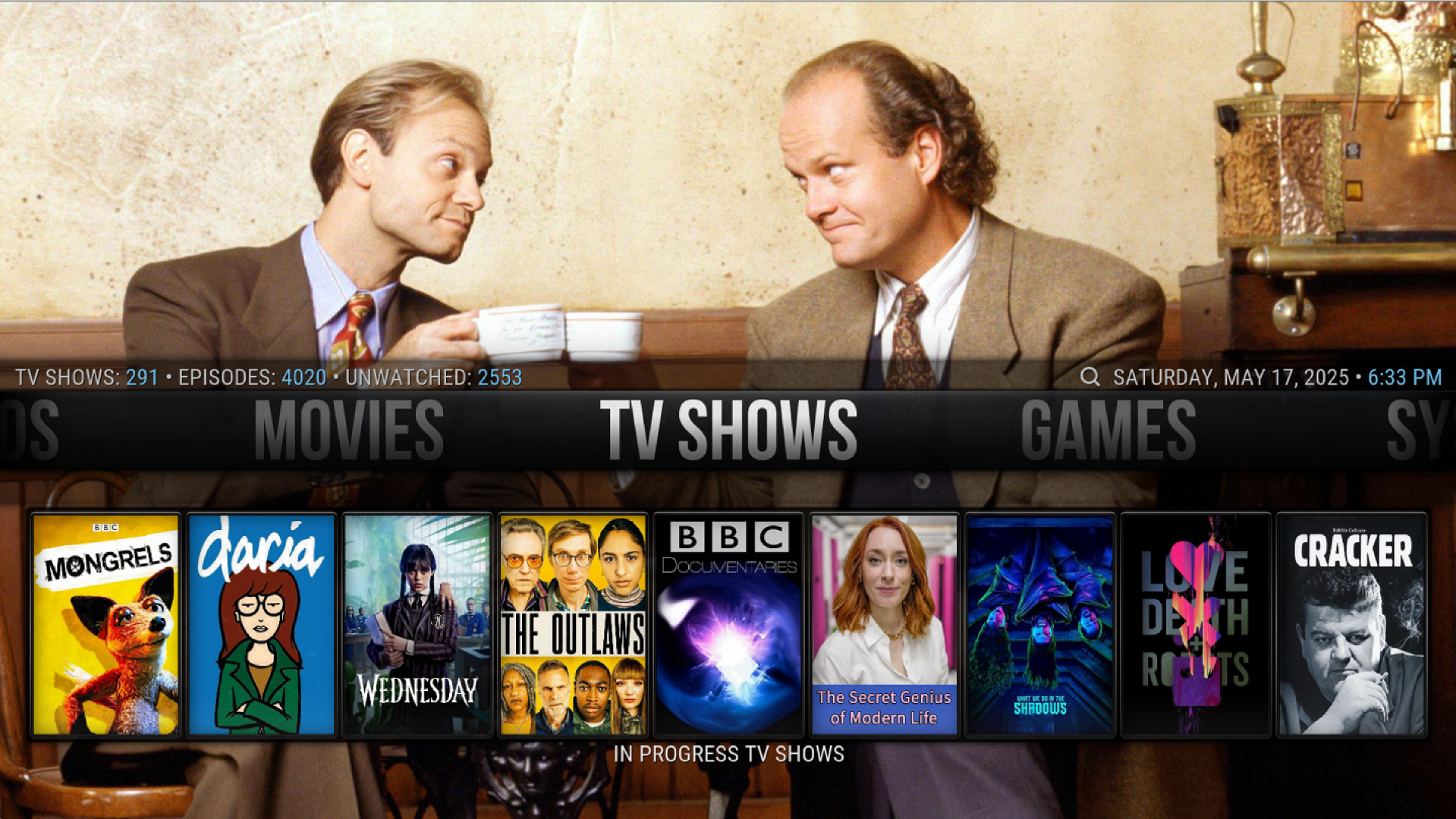
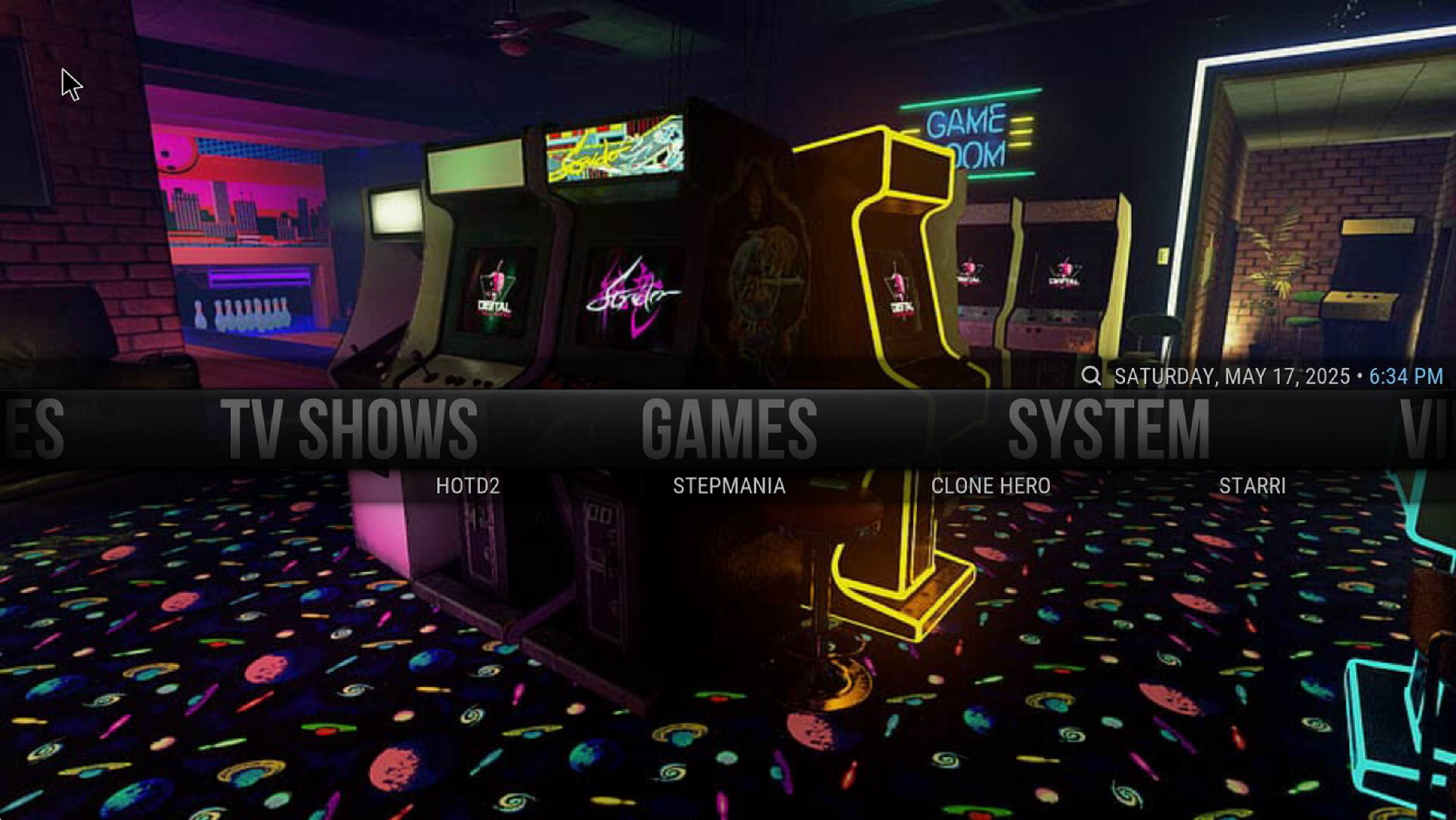
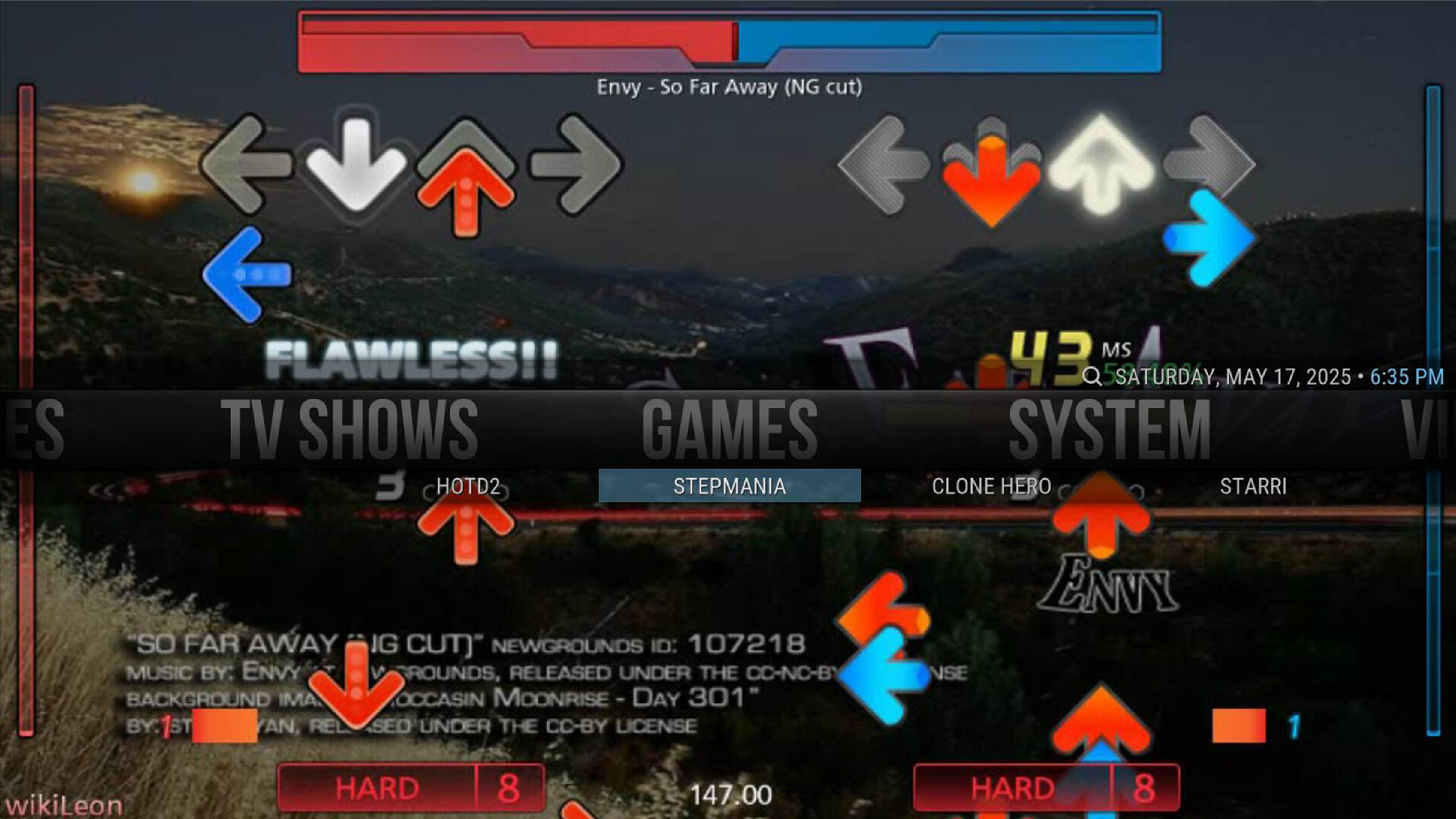
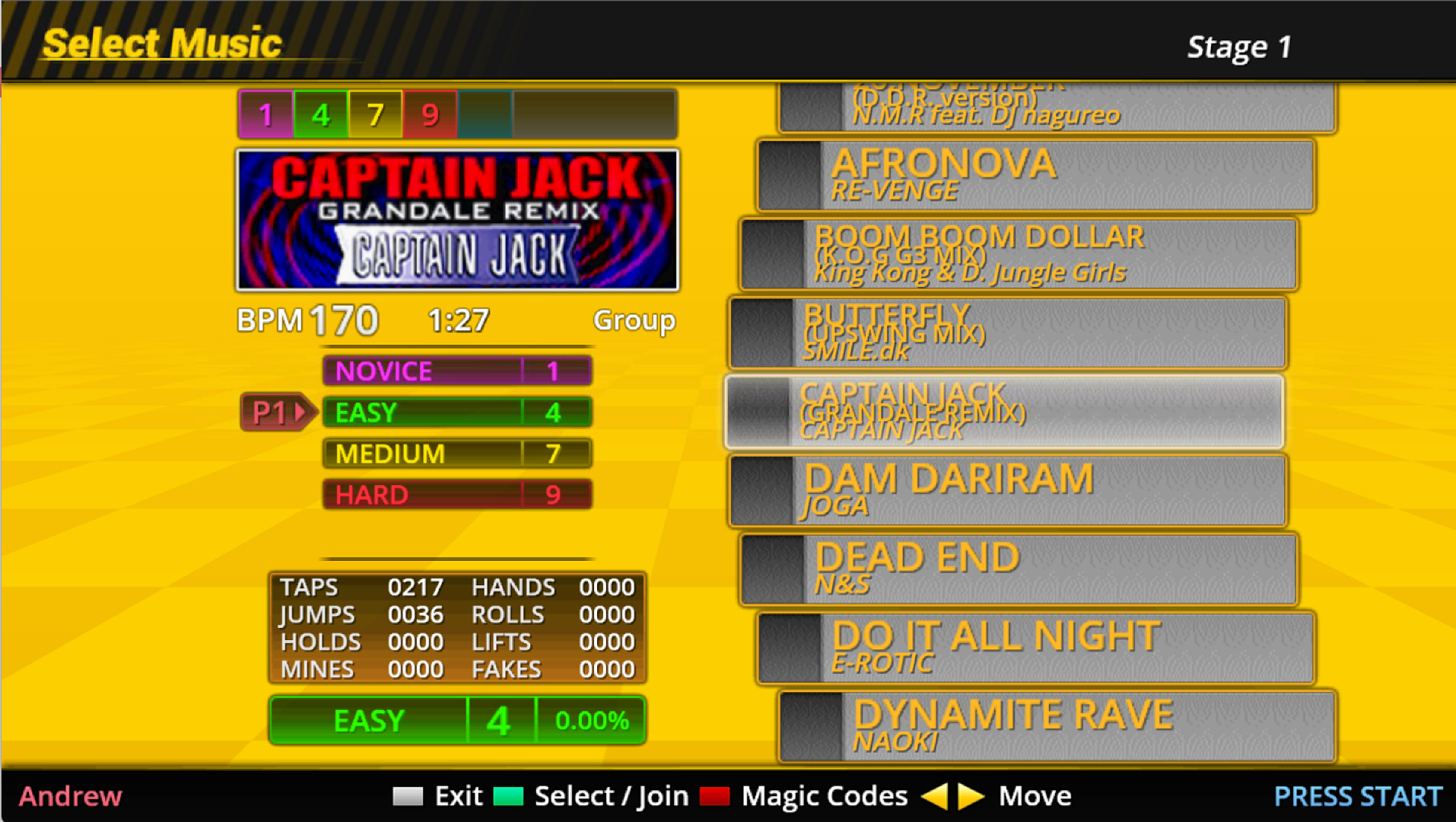
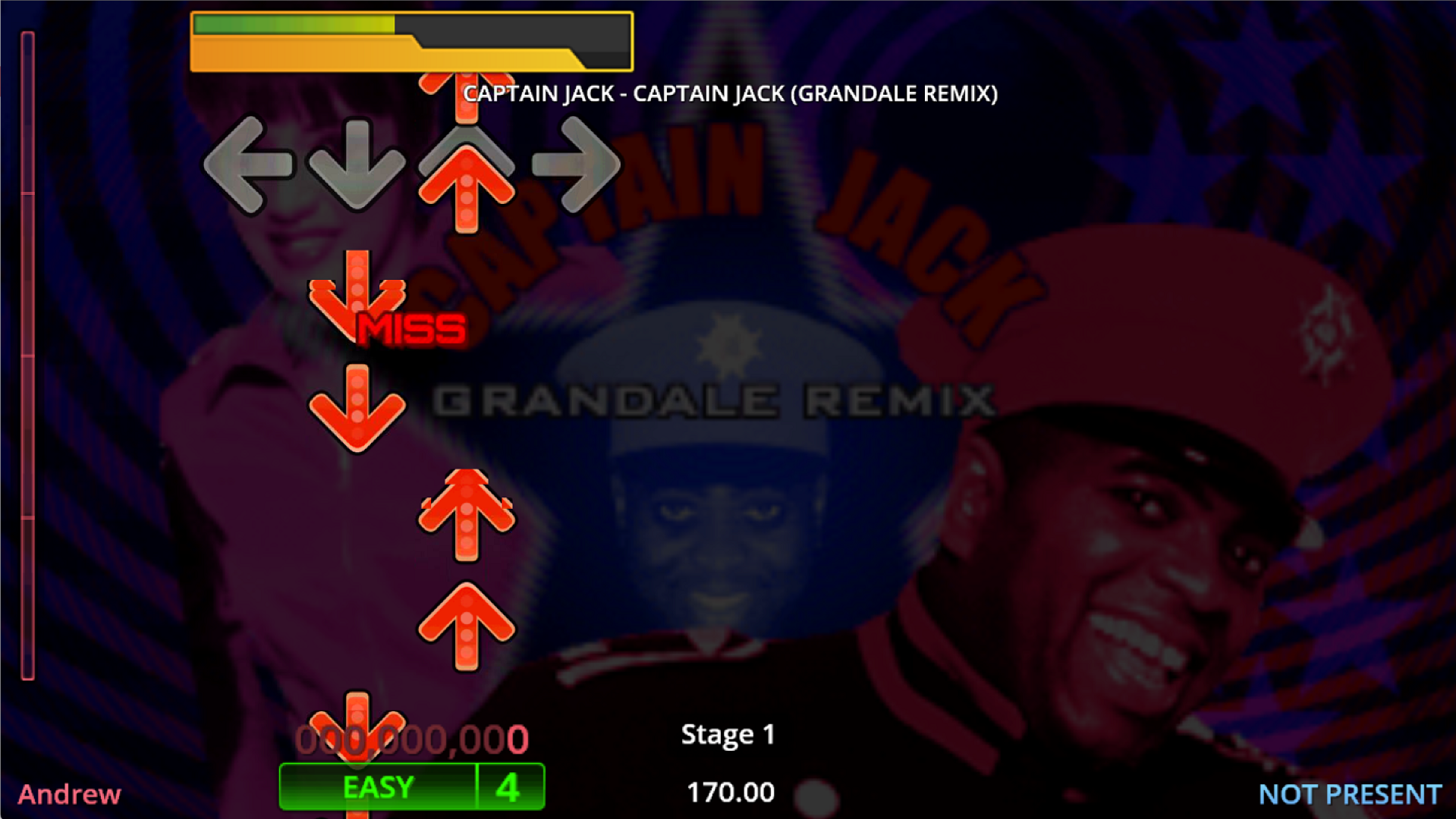
Just using the remote to operate effectively cursor controls within the game - up, down, left, right, select and back. It's Stepmania which is a Dance Dance Revolution clone so you pick a song with the 'keyboard' then when it starts you do the actual playing by jumping around on a dance mat. I use Kodi as a front end to select which game to play - it's a nice interface for TV and movies and I've added a games section. They're all shown on the attached TV.
Please Log in or Create an account to join the conversation.
Re: Loosely coupled integration with Kodi and games
1 year 4 months ago
Neat stuff. Back in the day I used Allonis's "myMovies" to launch MAME32 games.
Thanx for sharing the thought and technique!
Thanx for sharing the thought and technique!
Please Log in or Create an account to join the conversation.
Time to create page: 0.277 seconds

Copyright © 2026 Allonis. All Rights Reserved.