Serviceability
Hardware is generally replaceable without having to dissasemble the case.
To do so: Gracefully (via software) shutdown the system and unplug the power supplies.
Remove all cables from the myServer controller.
Remove the USB - this should be in the bottom Blue usb port (usb3.0 speed)
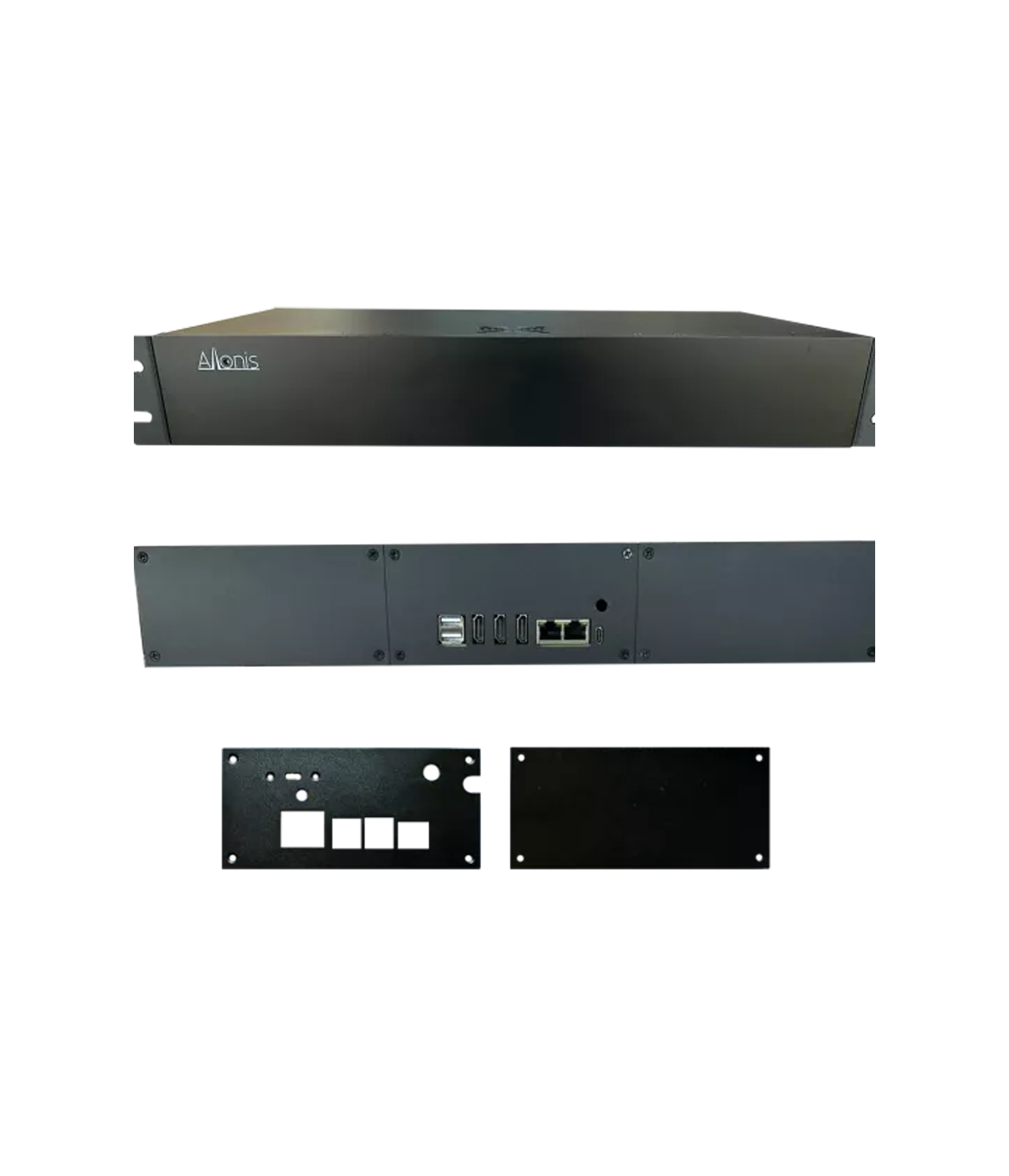
You can then remove the four phillips screws holding the back plate on.
Once the plate is off, you can swap the "GPIO" fan. It is held in place simply by it's 40 small pins. Carefully rock the fan "hat" up releasing it from it's pins. To replace, put the Fan on the top side (away from the Raspberry PI) and be VERY careful to align all 40 pins (ensure you are on both sets of 20 pins and that the starting pin is aligned with the fan's starting pins ie: all 40 pins are aligned) Then gently push the fan onto it's pins. Depending on the heat sink, the fan hat might be slightly lifted - this is fine.
The side fan can also be serviced by removing the four small allen head screws on the side of the case and replacing it. Be careful how the USB wire is routed so that it does not keep either fan from rotating.
The myServer controller can also be swapped by removing the small phillips head screws (typically 6) on the bottom of the case. Once the controller is removed, swap the brass standoff nuts to the new Raspberry PI. Be careful that there are two lengths of standoffs in most cases. Put the correct length in the correct spot on the new board. Replace it.
An audio DSP444 swap is a little harder to align the holes on the front of the DSP. Easy to remove, harder to put back. If the system will be in a rack, you may decide to not replace the two front / bottom screws and just keep it in place by the single phillips head screw holding the DSP to the back plate. Or, take the case apart to more easily align the front two bottom screws.
Once you have swapped hardware, rewire, put the USB back into the bottom Blue usb port and power the system back up. If the Raspberry Pi board was replaced, the system may need to be relicensed by Allonis. You will also need to provide the new TeamViewer ID that is found at: http://myServerIPaddress/dashboard on the top middle of the webpage