

Client Support
Is the 'page swiper' UI component supposed to work?


Re: Is the 'page swiper' UI component supposed to work?
2 years 2 months agoIt's not. It's the scroller that I've cheated into acting like a page swipe by locking the axis, with notable limitations.That's a point. Just hereNillaz, in your video, you had one screen where you were swiping left to pull in a screen "hidden" to the right (your lights, plugs, timers, etc. page), what control did you use there?it looks like you're using the page swipe.Code:https://youtu.be/QyypAcq2LBg?t=567
Andrew
I would have set things up very differently in myDesigner if I could have used the swipe function. This was a case of me adapting to what I had to work with rather than what I would have chosen.
Please Log in or Create an account to join the conversation.
Re: Is the 'page swiper' UI component supposed to work?
2 years 2 months ago
Got it, that's what I thought you might have done based on your other note. In any case, you made it look good!
The following user(s) said Thank You: Nillaz
Please Log in or Create an account to join the conversation.
Re: Is the 'page swiper' UI component supposed to work?
2 years 2 months agoI appreciate that man it took a bit of trial and error to get the layout to a good place.Got it, that's what I thought you might have done based on your other note. In any case, you made it look good!
I'd still like to get some feedback from David/Dave on how the Page Swipe is supposed to work. It seems like it's functionality should be obvious but maybe there's something I'm missing.
Please Log in or Create an account to join the conversation.
Re: Is the 'page swiper' UI component supposed to work?
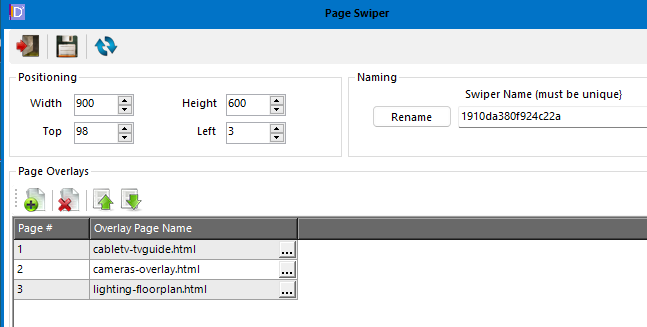
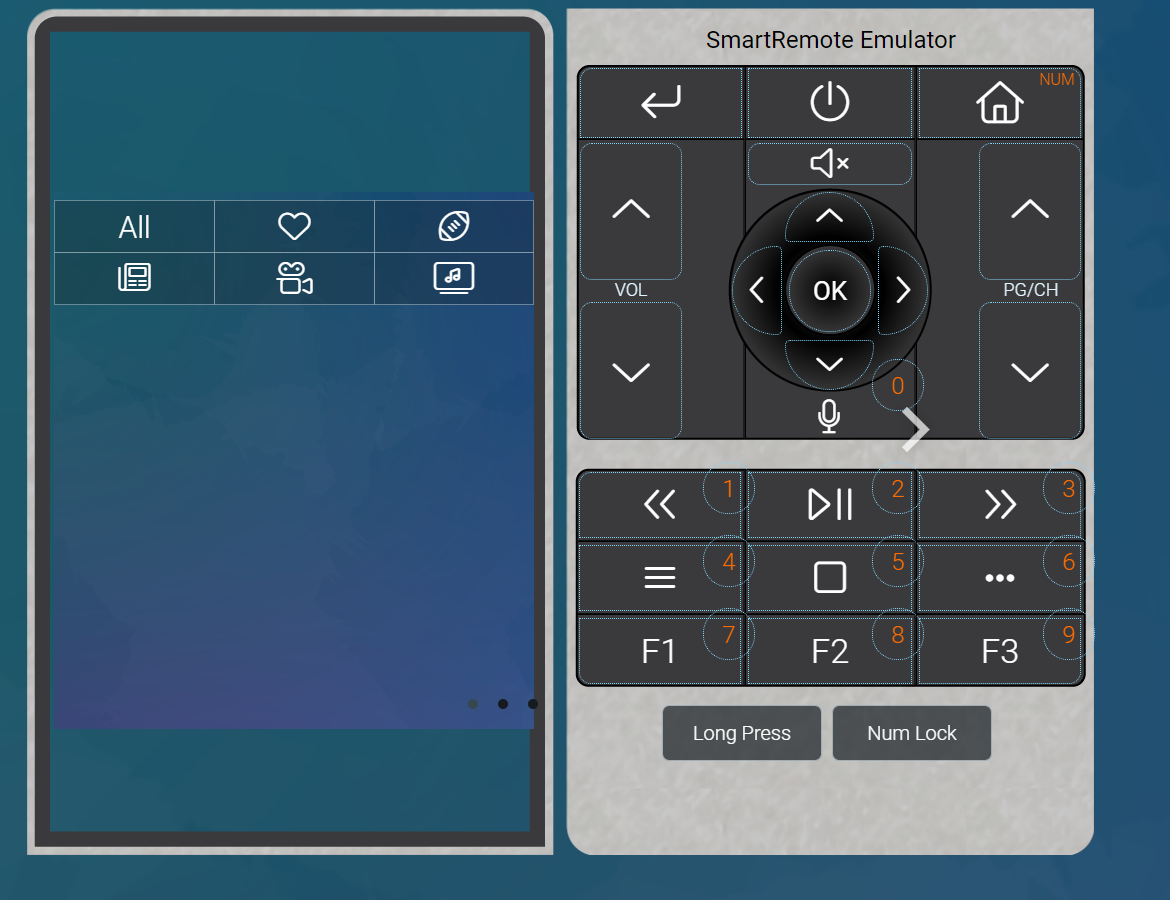
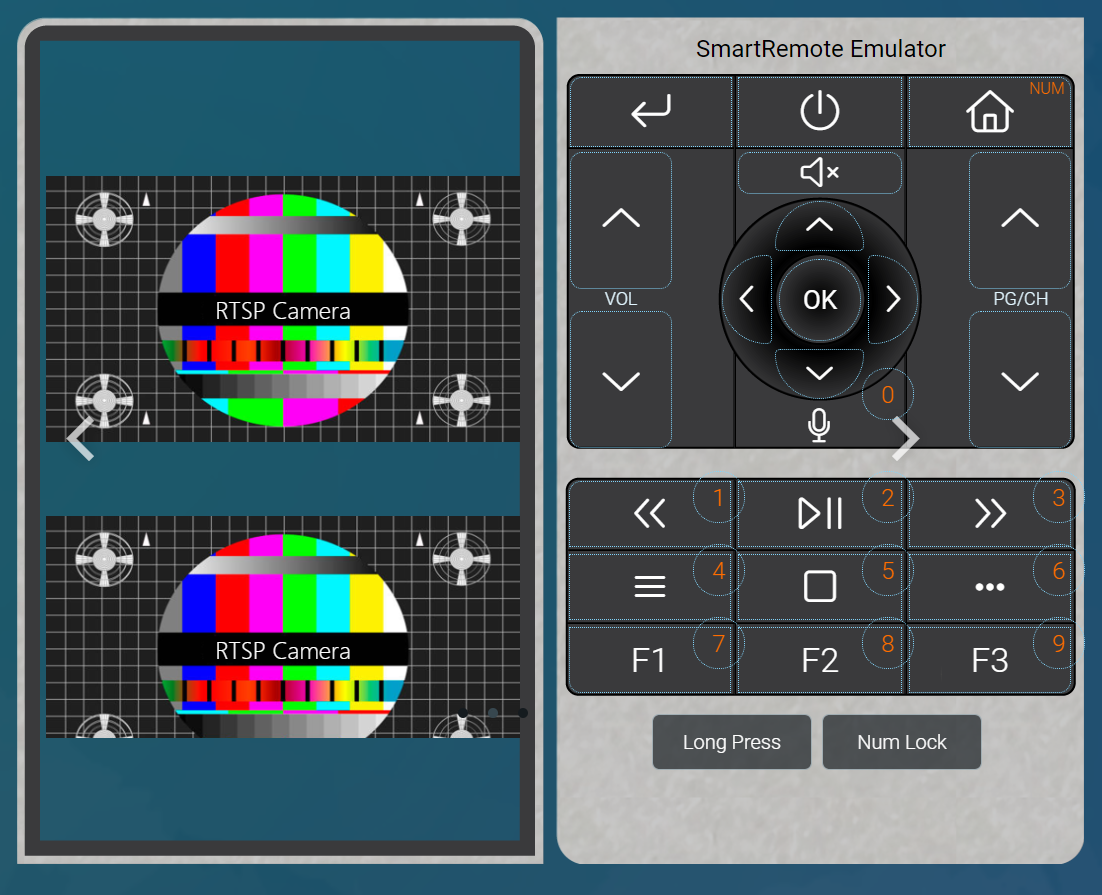
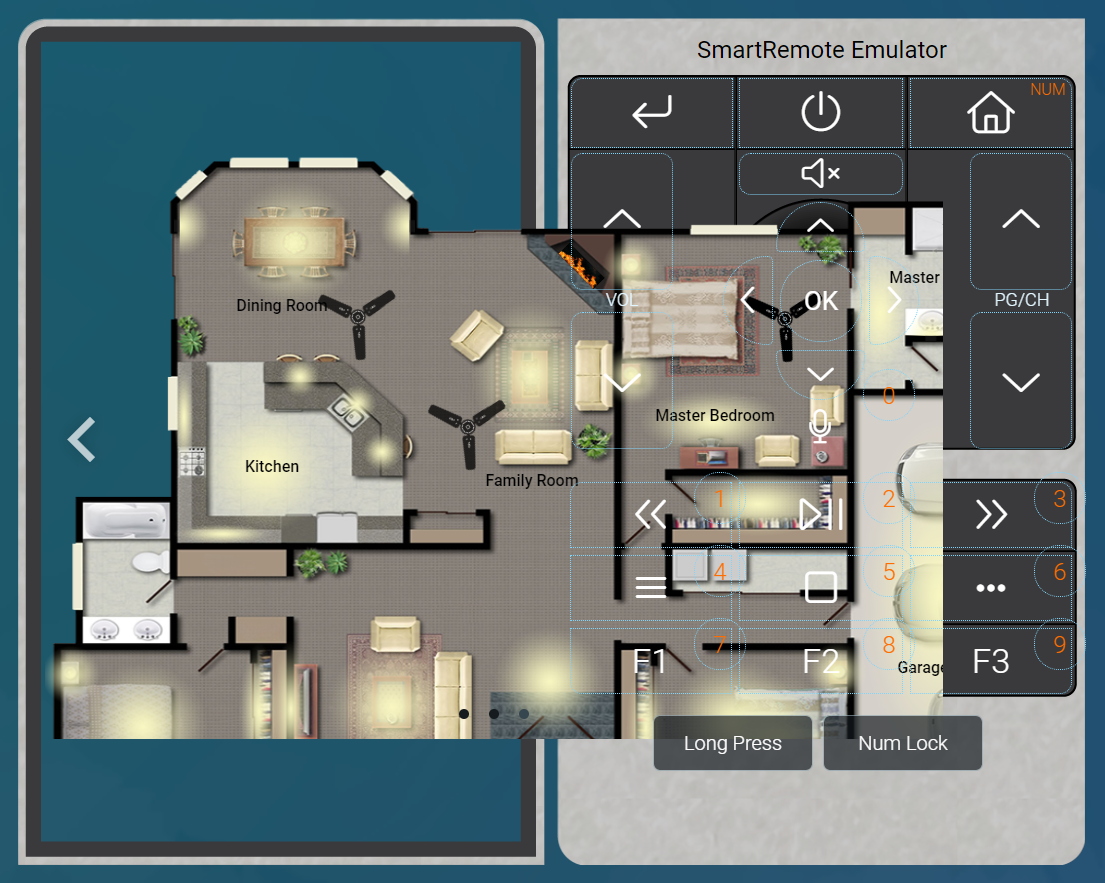
2 years 2 months ago - 2 years 2 months agoJust for fun, I created a new scene and put the page swiper control on the page. I then configured it with 3 existing overlay pages and added a button on the main index page to load the scene. I launched the emulator and the control seems to work as it should. I can use the mouse to swipe left/right and I see the dots indicating how many pages there are. Note that I did not configure these overlays in my test scene on the Overlays tab. Here are a few screen shots.I'd still like to get some feedback from David/Dave on how the Page Swipe is supposed to work. It seems like it's functionality should be obvious but maybe there's something I'm missing.
Last edit: 2 years 2 months ago by randyf.
The following user(s) said Thank You: Nillaz
Please Log in or Create an account to join the conversation.
Re: Is the 'page swiper' UI component supposed to work?
2 years 2 months ago
Well that's very strange as I would have said I did exactly that except with my own new overlays.
Andrew
Andrew
Please Log in or Create an account to join the conversation.
Re: Is the 'page swiper' UI component supposed to work?
2 years 2 months agoThis got me thinking so I tried a couple of things.Just for fun, I created a new scene and put the page swiper control on the page. I then configured it with 3 existing overlay pages and added a button on the main index page to load the scene. I launched the emulator and the control seems to work as it should. I can use the mouse to swipe left/right and I see the dots indicating how many pages there are. Note that I did not configure these overlays in my test scene on the Overlays tab. Here are a few screen shots.I'd still like to get some feedback from David/Dave on how the Page Swipe is supposed to work. It seems like it's functionality should be obvious but maybe there's something I'm missing.
It works through the emulator popup in myDesigner. It also works directly in the Chrome browser. It does not work correctly for me in Firefox (which is my usual browser, and what I typically use for testing).
The remote itself gives me a blank screen when I load my testpage. This seemed odd so I exited out of the remote, force closed the apk and cleared the cache...and wouldn't you know it the swipe now works on the remote!
It snaps pages the way I hoped it would. It's also interesting that the pages can be scene pages and don't have to be an overlay. Unfortunately it does have a shortcoming in that it won't let you vertically scroll the active page, but even still I can make use of this. Thanks for lighting a fire under me to take another look at this!
Please Log in or Create an account to join the conversation.
Time to create page: 0.316 seconds

Copyright © 2026 Allonis. All Rights Reserved.