

Client Support
Smartremote screen "empty" but kind of works on browser


Smartremote screen "empty" but kind of works on browser
2 years 8 months ago - 2 years 8 months ago
Hi,
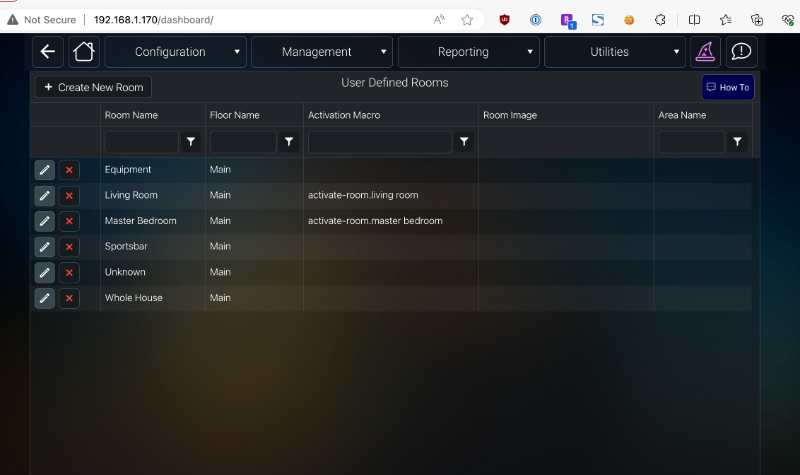
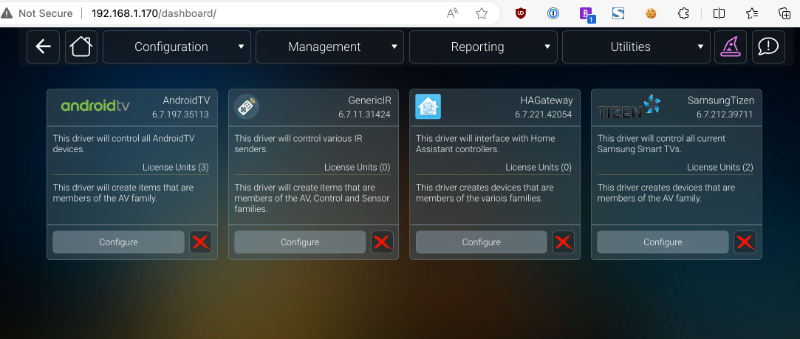
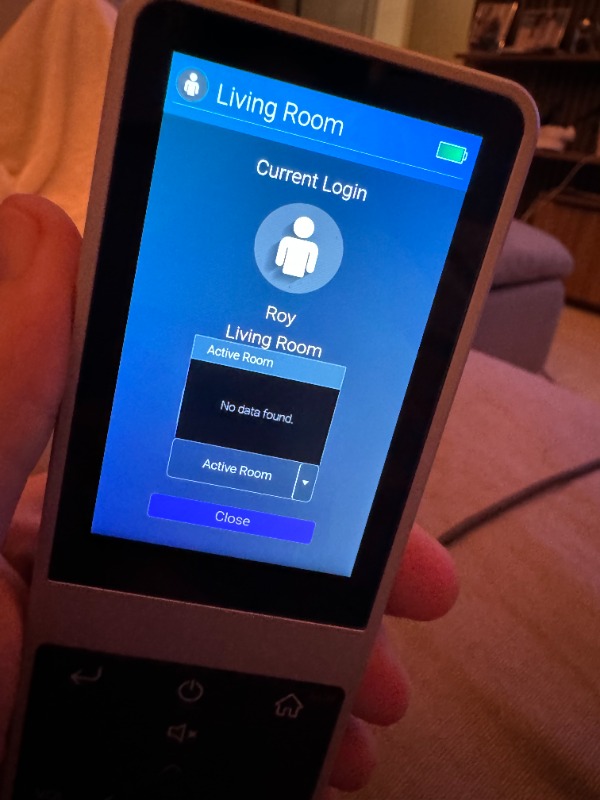
as the title says I added my rooms, added drivers for TV and Android TV Box, however the screen on my smart remote shows the room name and an empty blue background... if I try to change rooms when I tap "Active Room" I get "No data found" instead of the list of rooms (I have 2 rooms I added and a bunch that were already there - can I delete those?)
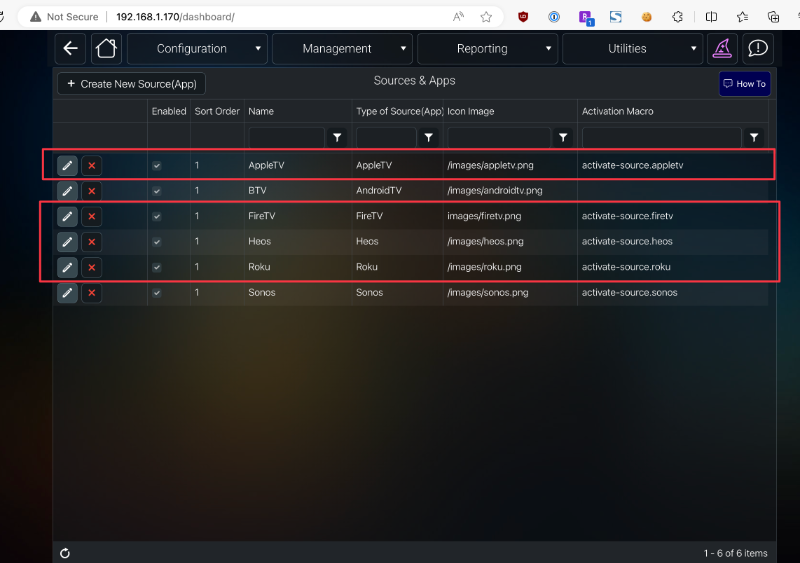
In Source Apps I noticed that after yesterday's update I got a bunch of source apps I dont have drivers (or hardware) for (like Roku, FireTV, AppleTV)... I fear something is amiss?
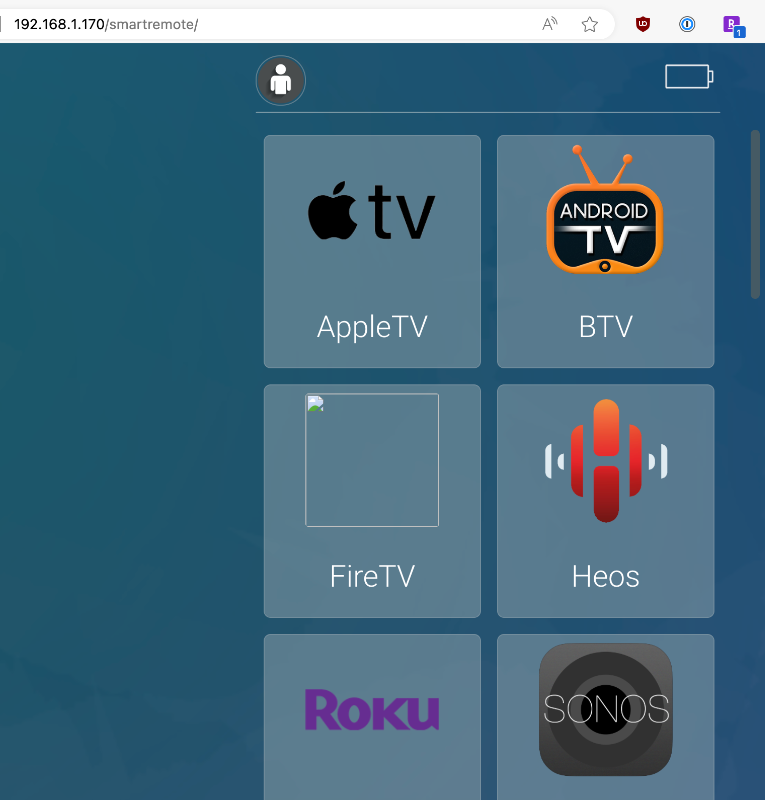
PS: if I click any of the "App icons" on the browser (from my pc) nothing happens, and the screen doesnt change.
(Tried adding screenshots but add files button is disabled and drag and drop doesnt work...)
as the title says I added my rooms, added drivers for TV and Android TV Box, however the screen on my smart remote shows the room name and an empty blue background... if I try to change rooms when I tap "Active Room" I get "No data found" instead of the list of rooms (I have 2 rooms I added and a bunch that were already there - can I delete those?)
In Source Apps I noticed that after yesterday's update I got a bunch of source apps I dont have drivers (or hardware) for (like Roku, FireTV, AppleTV)... I fear something is amiss?
PS: if I click any of the "App icons" on the browser (from my pc) nothing happens, and the screen doesnt change.
(Tried adding screenshots but add files button is disabled and drag and drop doesnt work...)
Last edit: 2 years 8 months ago by RoyN.
Please Log in or Create an account to join the conversation.


Re: Smartremote screen "empty" but kind of works on browser
2 years 8 months ago
Your SmartRemote, if properly networked and the project folder name is same as your browser, should be showing the exact same thing (it is the same thing).
You might want to double check you aren't pointed to a different folder or no folder. And that the SmartRemote is actually on the network and not just displaying cached webpages.
See the SmartRemote documentation on how to reset the networking settting
allonis.com/support/documentation?view=category&id=94
You might want to double check you aren't pointed to a different folder or no folder. And that the SmartRemote is actually on the network and not just displaying cached webpages.
See the SmartRemote documentation on how to reset the networking settting
allonis.com/support/documentation?view=category&id=94
Please Log in or Create an account to join the conversation.
Re: Smartremote screen "empty" but kind of works on browser
2 years 8 months ago - 2 years 8 months ago
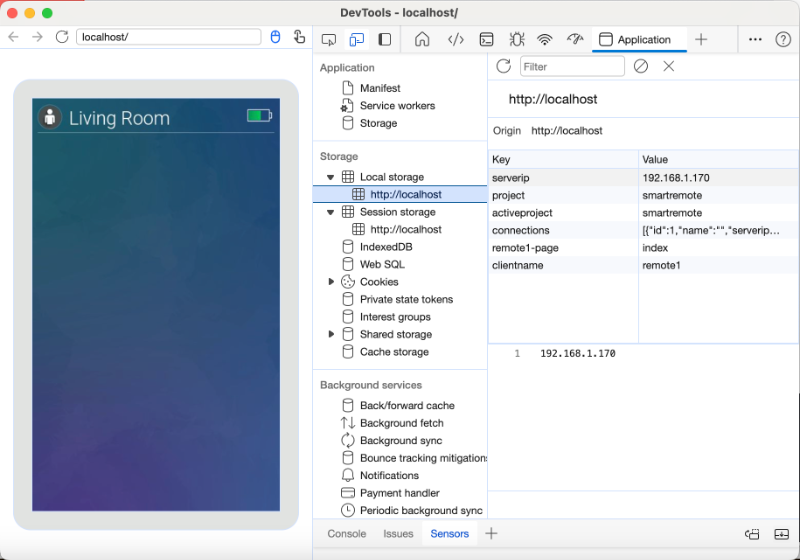
No dice... the network is connected correctly, and I was able to reach it via ADB and check the myServer IP is correct and so is the template name...
Edit: the sources highlighted in red just appeared after the last update...
Edit: the sources highlighted in red just appeared after the last update...
Last edit: 2 years 8 months ago by RoyN.
Please Log in or Create an account to join the conversation.
Re: Smartremote screen "empty" but kind of works on browser
2 years 8 months agoTo Help others: RoyN missed the step of renaming the downloaded SmartRemote-sample folder and calling it smartremote. This is the default name for a folder in the SmartRemote settings. So, the SmartRemote was pointing at a web template folder (the "project") that didn't exist. Renaming the sample solved that problem.No dice... the network is connected correctly, and I was able to reach it via ADB and check the myServer IP is correct and so is the template name...
Edit: the sources highlighted in red just appeared after the last update...
Please Log in or Create an account to join the conversation.
Re: Smartremote screen "empty" but kind of works on browser
2 years 8 months ago
I renamed it within myDesigner when I first downloaded it.... Is this something that needs to be done after every update?
As you can see on the browser screenshot the path it was opening was indeed "smartremote" and not "smartremote-template". Please clarify?
As you can see on the browser screenshot the path it was opening was indeed "smartremote" and not "smartremote-template". Please clarify?
Please Log in or Create an account to join the conversation.
Re: Smartremote screen "empty" but kind of works on browser
2 years 8 months ago - 2 years 8 months ago
I don't know what happened, I only can see the results that there was no "smartremote" folder.
And that would be the root cause of many of your observations of things not working.
Since the documentation does update everyday, maybe printscreen what you are using, and compare that to future online stuff to check for differences to look at on your system.
But, when we say "did you do the install using the documentation" the assumption is it's today's version.
The documentation is OK for getting started at this point.
And that would be the root cause of many of your observations of things not working.
Since the documentation does update everyday, maybe printscreen what you are using, and compare that to future online stuff to check for differences to look at on your system.
But, when we say "did you do the install using the documentation" the assumption is it's today's version.
The documentation is OK for getting started at this point.
Last edit: 2 years 8 months ago by David Li.
Please Log in or Create an account to join the conversation.
Time to create page: 0.302 seconds

Copyright © 2026 Allonis. All Rights Reserved.